
Plan the whole game on one living board.
Pin your references, mark them up and map your production as a network of tasks, milestones and bugs. Float it over your engine while you work, and plan with your whole team in real time.
No subscription · works offline · MIT licensed
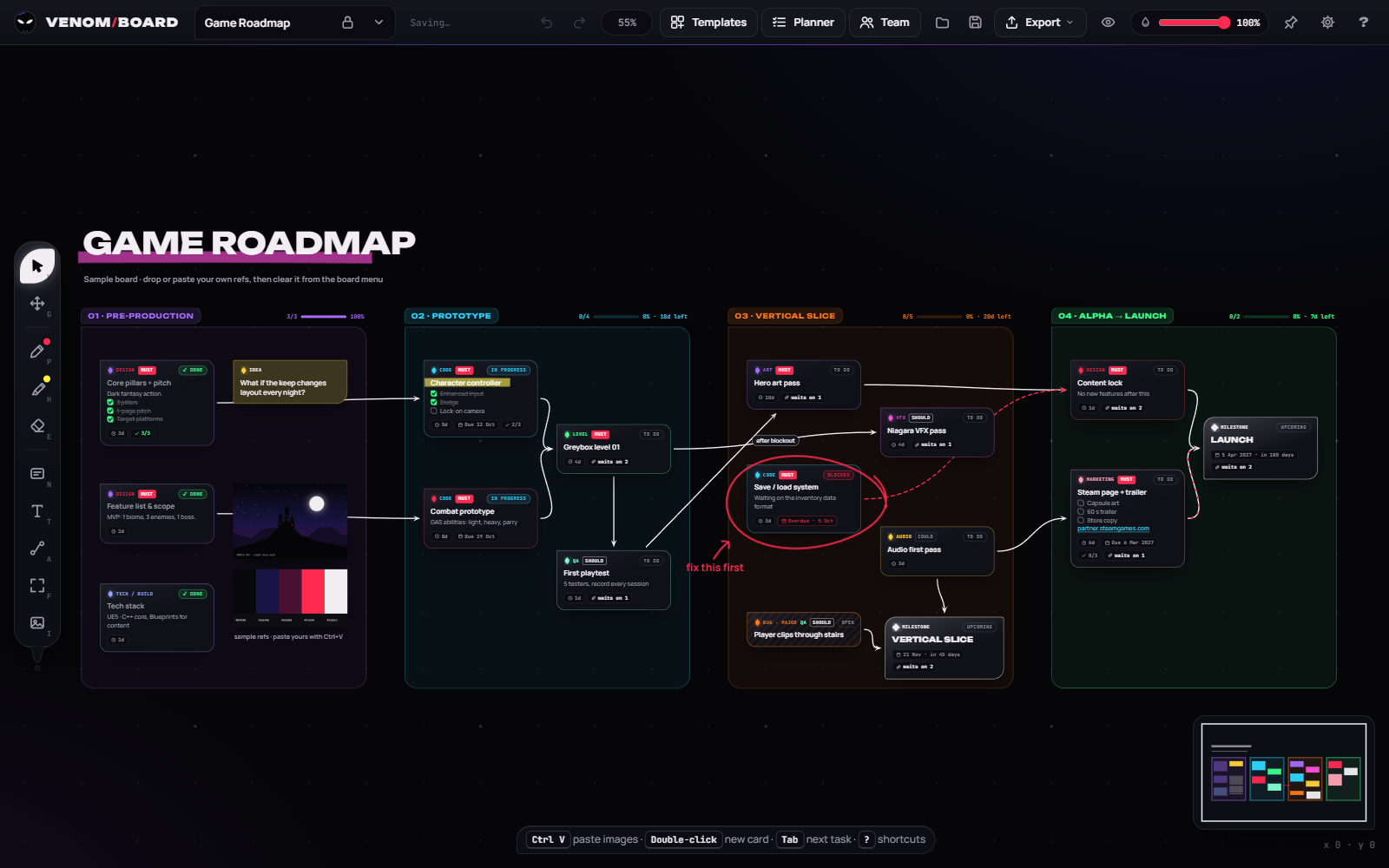
References, roadmap and the plan in your head, together.
Game production lives in three places at once: a folder of reference images, a task list, and the plan of what unlocks what. Venom Board puts all three on one canvas.
A reference board
Paste screenshots, drop in concept art and scribble over it with markers and highlighters, PureRef-style.
A real roadmap
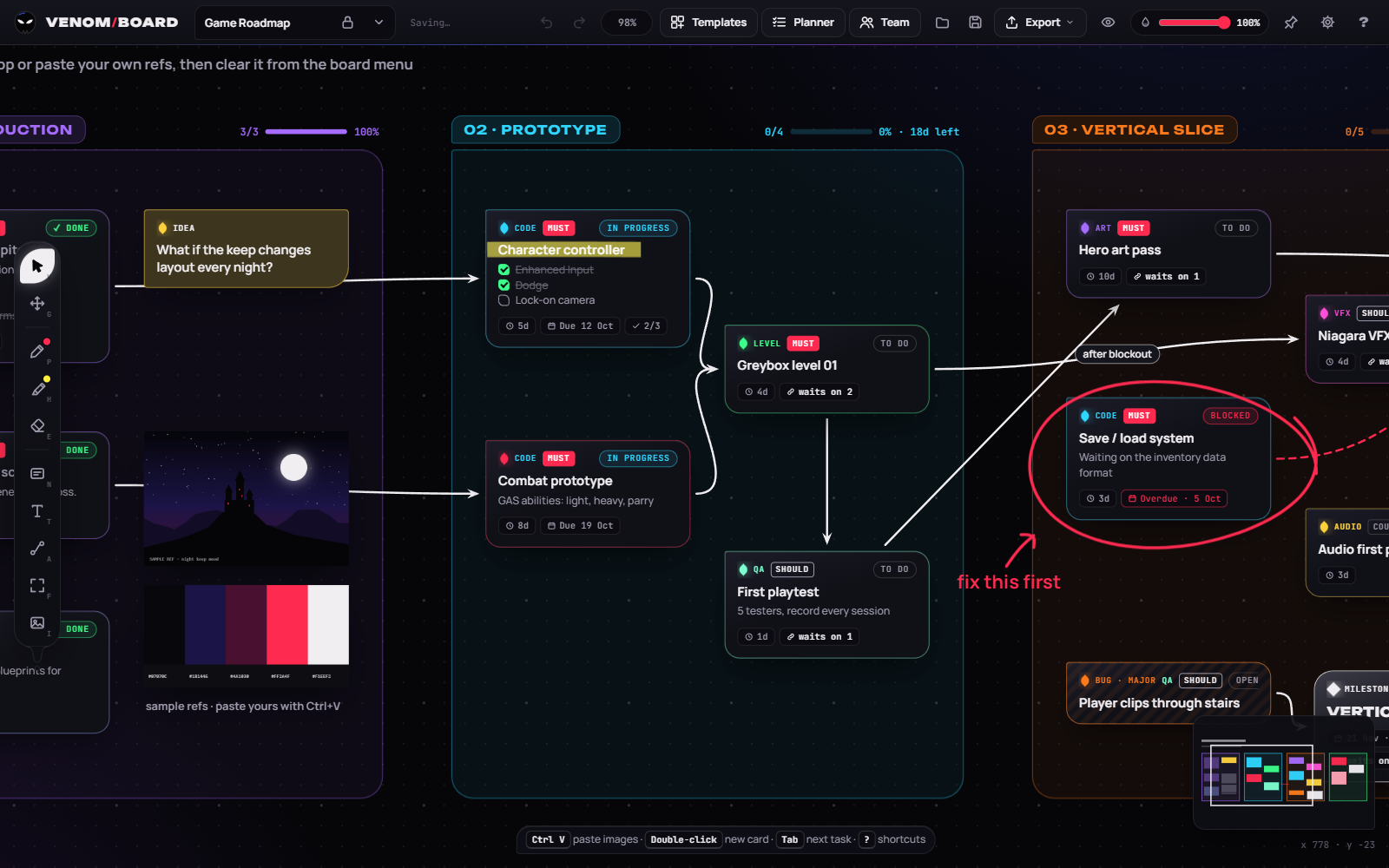
Phases, milestones, estimates, MoSCoW priorities, due dates and bug severity on every card.
A dependency network
Drag a tendril from one card to the next and the board works out what's blocked and what's ready to start.
An overlay
Pin it on top of Unreal, Unity or Godot, turn the opacity down and let clicks pass straight through.
Build the plan together, live.
Every card, tendril, image and stroke your team adds appears on everyone's board the moment it happens. You see each other's cursors, selections and typing, like editing a place together in a game engine.
| Permission | Viewer | Editor | Admin | Leader |
|---|---|---|---|---|
| See shared projects live | ✓ | ✓ | ✓ | ✓ |
| Edit boards and add projects | – | ✓ | ✓ | ✓ |
| Invite editors and viewers | – | – | ✓ | ✓ |
| Make admins, hand over or delete the team | – | – | – | ✓ |
Everything a game production board needs.
Reference board
- Infinite canvas with zoom at the cursor, panning and a minimap
- Paste screenshots with Ctrl+V or drag images in from anywhere
- Markers in 8 colours, highlighters and an eraser. Ink sticks to the card it's drawn on
- GIFs, videos and YouTube or Vimeo links as references
- Snap guides, align, distribute, pack into a grid, lock items
- Search every board and team project at once
Production planning
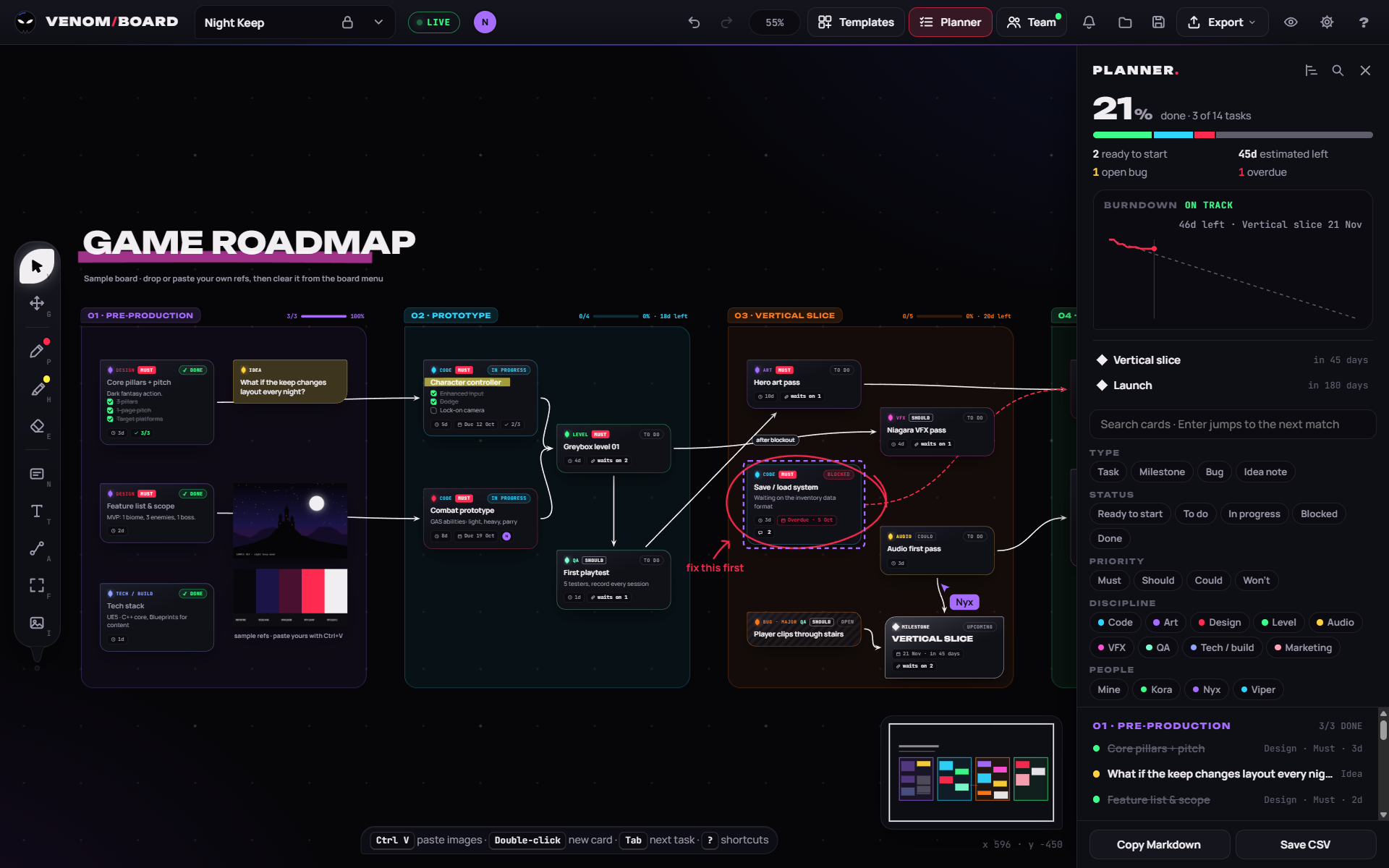
- Task, Milestone, Bug and Idea cards with status, discipline, priority, estimates and due dates
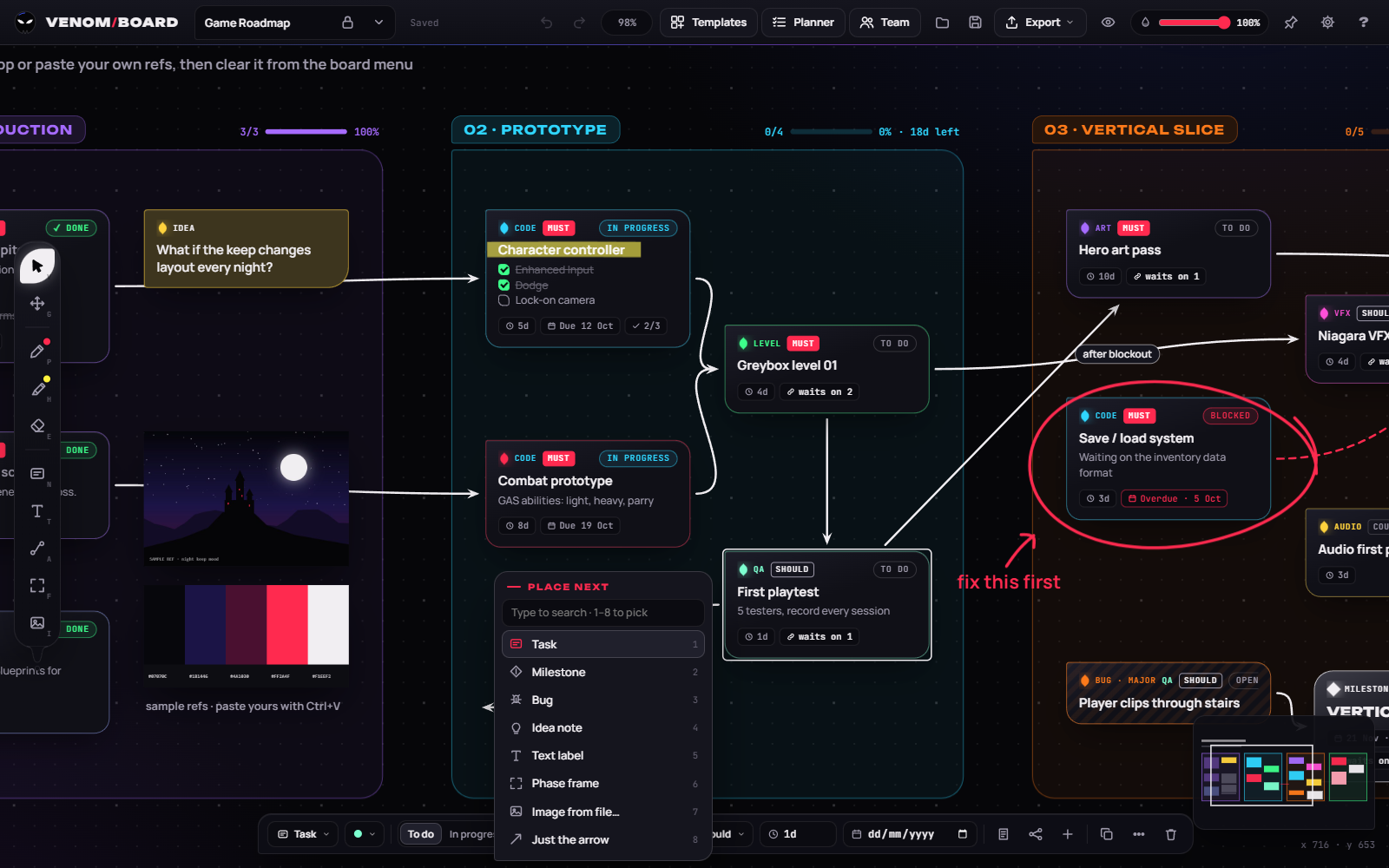
- Place next: drag a tendril into empty space and choose what comes next
- Waits on N, a ready-to-start filter and dependency tracing
- Phase frames with progress, a planner with milestone countdowns and a burndown chart
- A timeline with the critical path that decides your finish date
- 10 templates, import from Trello, Jira or CSV, and Markdown and CSV export
Overlay and teams
- Pin on top, opacity slider and click-through with a global shortcut
- Lock the window, hide the top bar or the whole interface
- Live team projects with cursors, follow and present
- Assign cards, comment and @mention, with notifications by email or in the app
- Version history, view-only share links, an activity feed and Discord updates
- Leader, admin, editor and viewer roles, and two-step sign-in
Built for the way game devs plan.
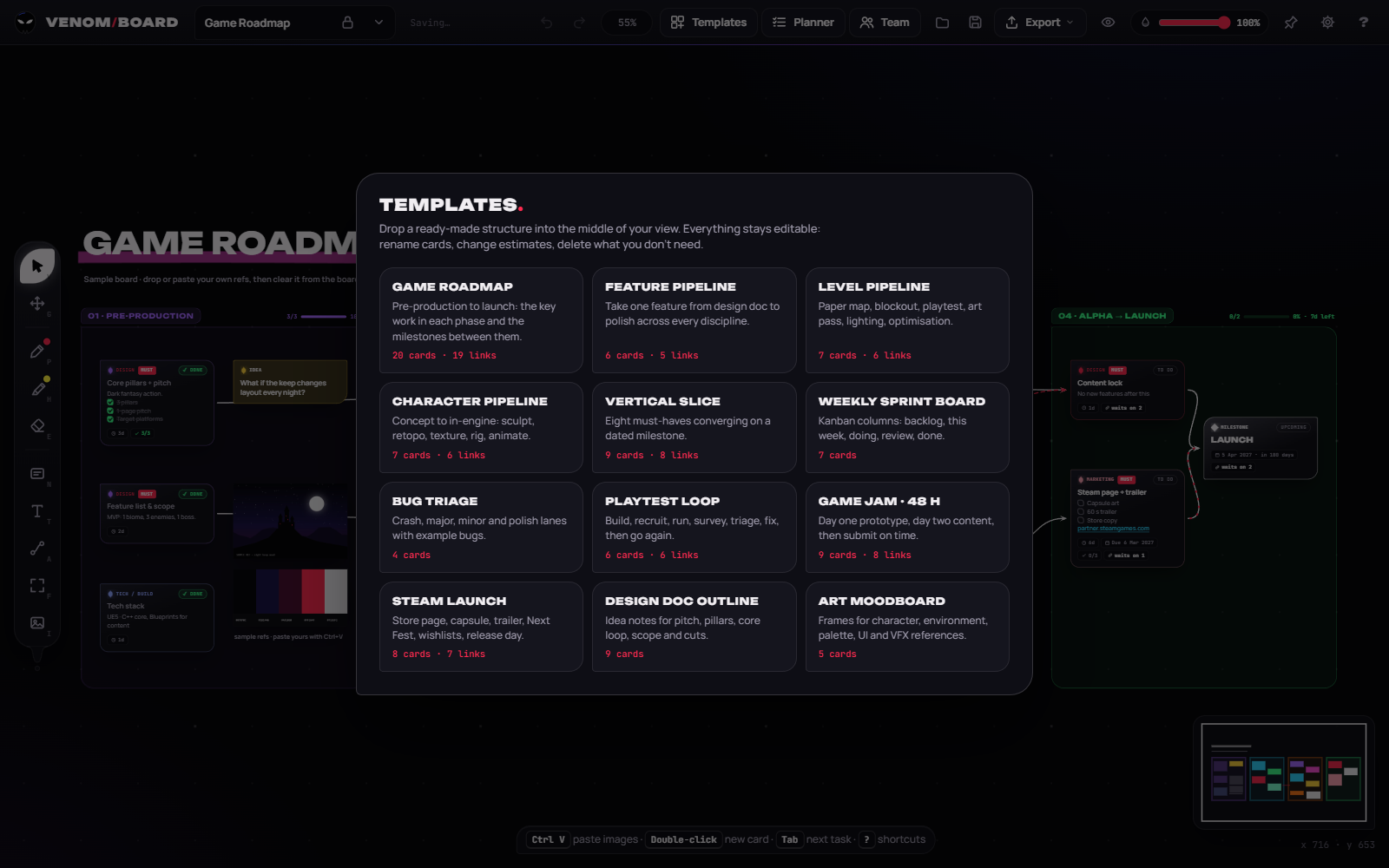
Start from a template.
Roadmaps, design docs, game jams, Steam launches and more, free. Open one in the web app in a click, or from Templates in the desktop app.
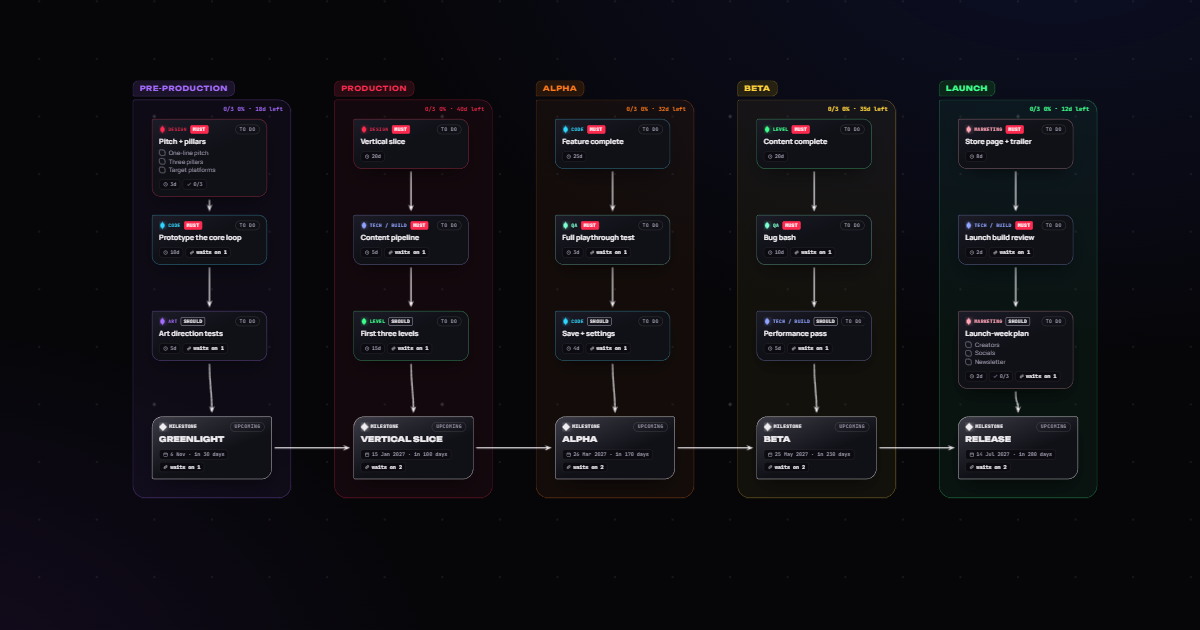 Production
Game roadmap
Pre-production to launch, with dated milestones.
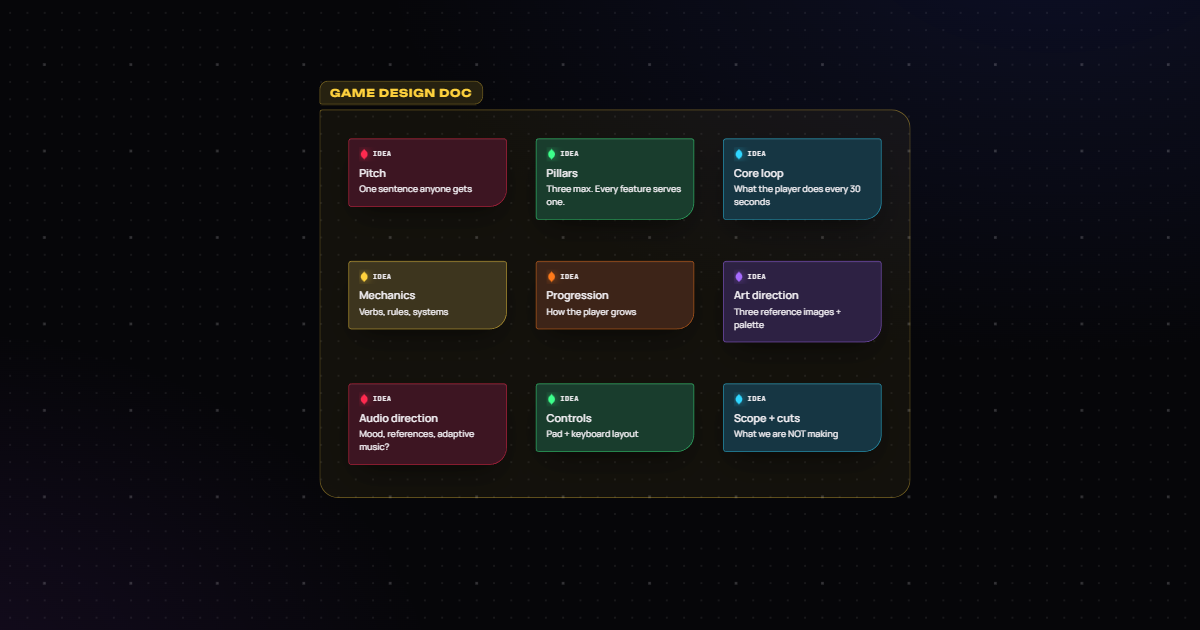 Design
Design doc outline
Pitch, pillars, core loop, scope and cuts.
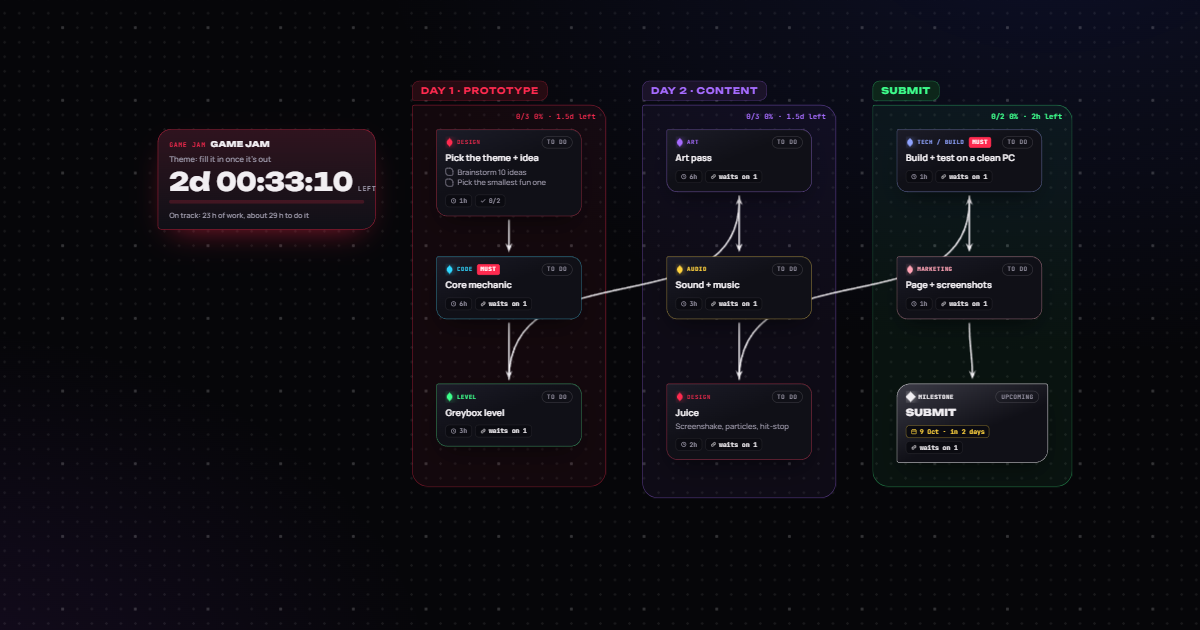 Game jams
Game jam · 48 h
Prototype, content, then submit on time.
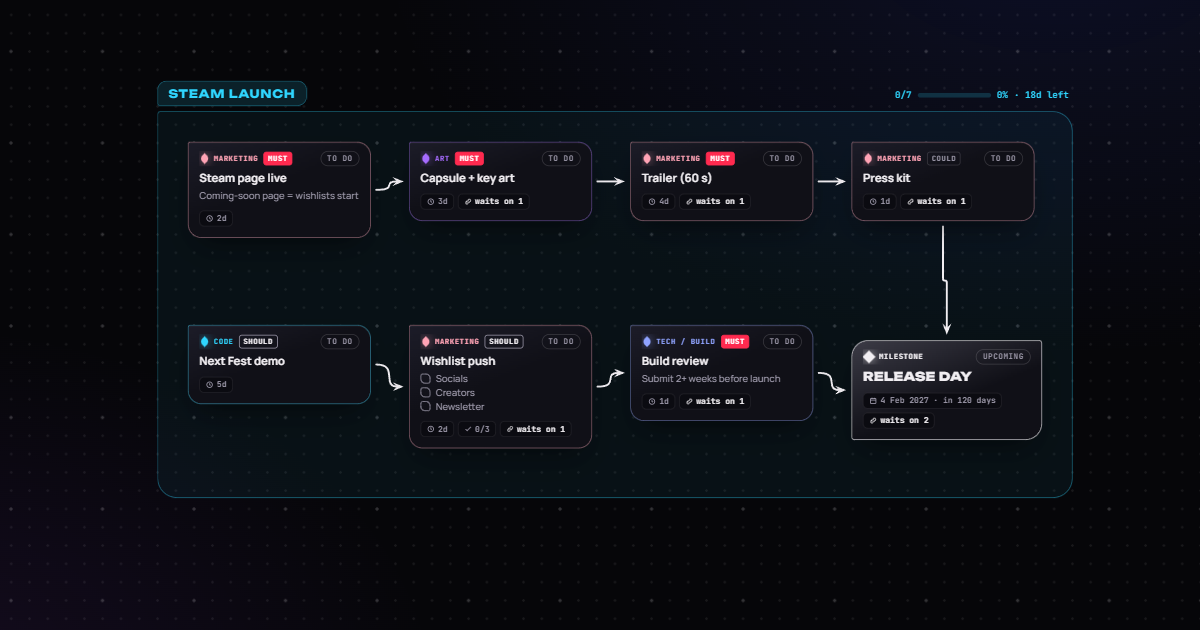 Launch
Steam launch
Store page, trailer, Next Fest, release day.
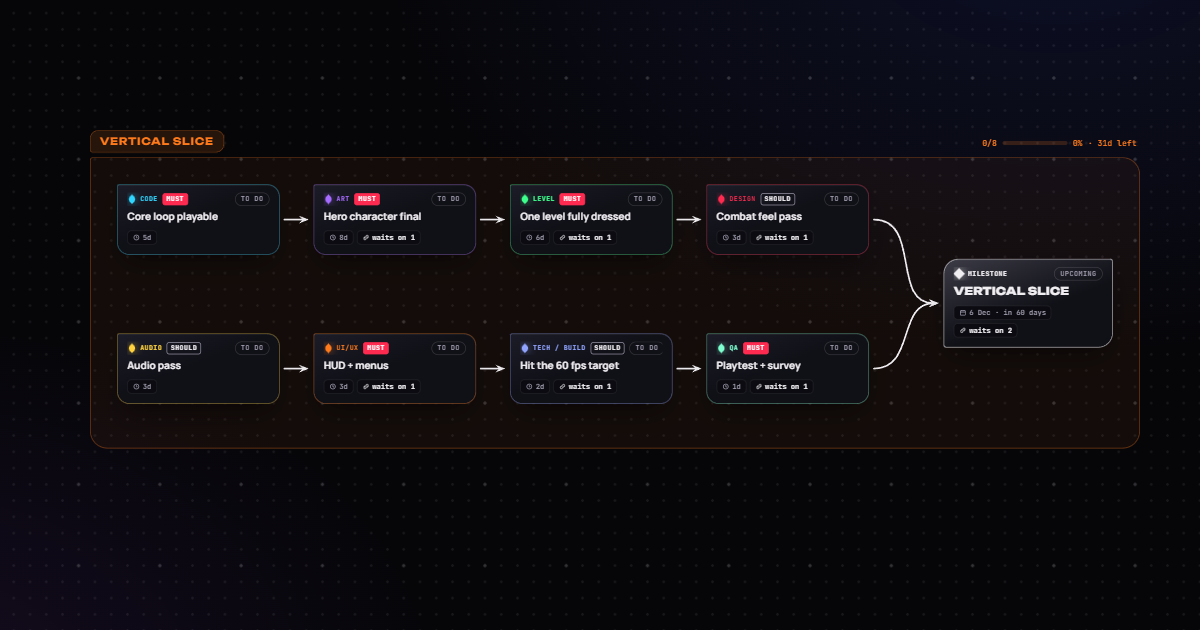 Milestones
Vertical slice
Eight must-haves converging on a date.
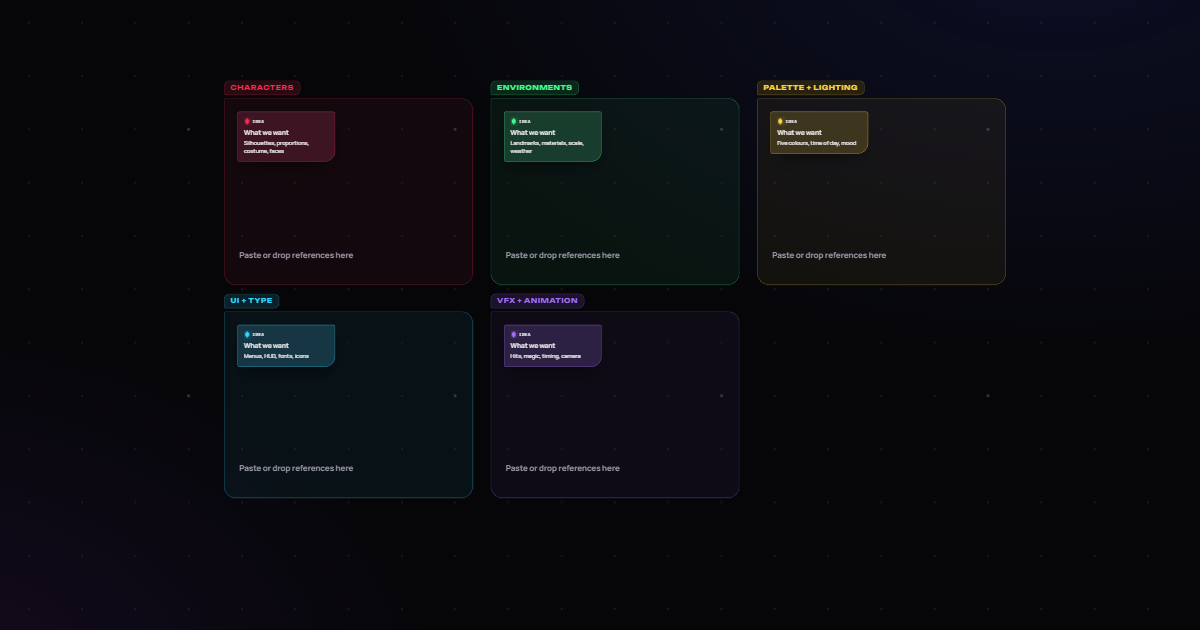 Art direction
Art moodboard
Characters, environments, palette, UI, VFX.
Free, on desktop and in the browser.
Desktop app
For Windows, macOS and Linux. Pin on top, opacity and click-through, and it keeps itself up to date with signed updates.
DownloadWeb app
The same board in Chrome, Edge or Firefox. Sign in to work on your team's projects from any computer.
Open the web appSource code
MIT licensed. Build it yourself, report bugs or suggest the next feature on GitHub.
View on GitHubAlso on itch.io. Try Venom Board right on its itch.io page, follow it there for updates and leave a comment.
Windows SmartScreen: the installer isn't code-signed yet, so the first run may say "Windows protected your PC". Click More info, then Run anyway.